
Totem Desk
Content and clock-ins on your kiosks, from one portal
Screens updated remotely, no clock-in lost
Windows and Android kiosks · RFID badges · Widgets · Attendance system · Casa Lead
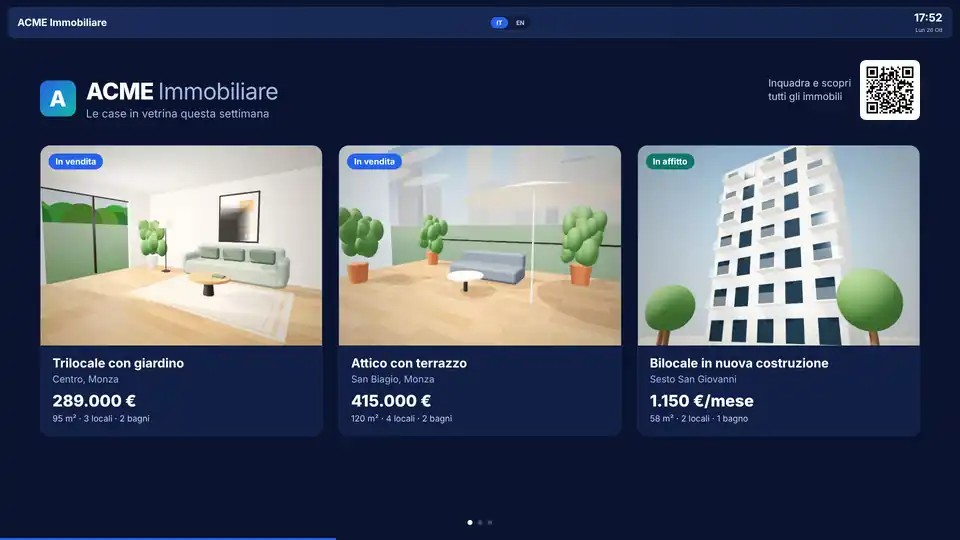
Totem Desk manages the kiosks and screens installed at your clients’ sites from one portal: what they show, when they are on and who clocks in. Each client logs in with their own credentials and sees only their own kiosks.
Content on the screens
- Videos, images with text, web pages and widgets: weather, clocks, QR codes, properties
- Playlists with days, time slots and validity dates
- Zoned layouts, landscape or portrait
- Scheduled power on and off
- Emergency message on every screen with one click
Clock-ins
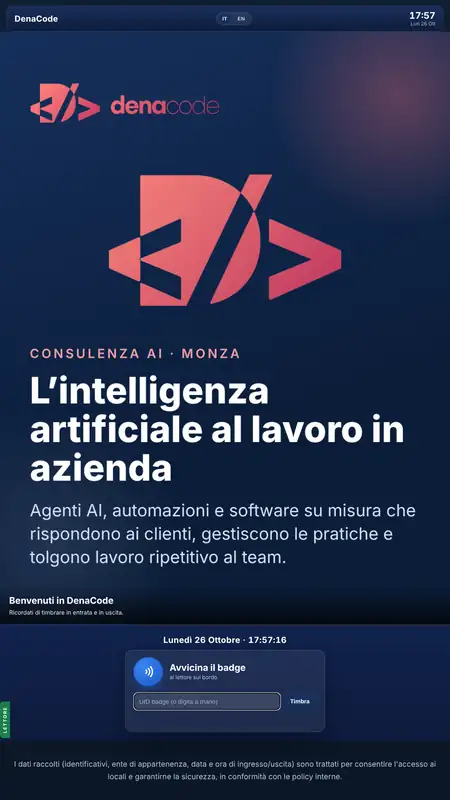
- RFID badges on the kiosk and off-site clock-in from a phone
- Every clock-in reaches the client’s attendance system or ERP
- If the network drops, clock-ins stay on the kiosk and are sent when it returns
- Attendance, timesheets and payroll export
Every kiosk under control
The portal shows which kiosks are on, which software version they run and when they last connected. Remotely you can request a screenshot and diagnostics, restart the screen or force an update, without going on site.
With Casa Lead
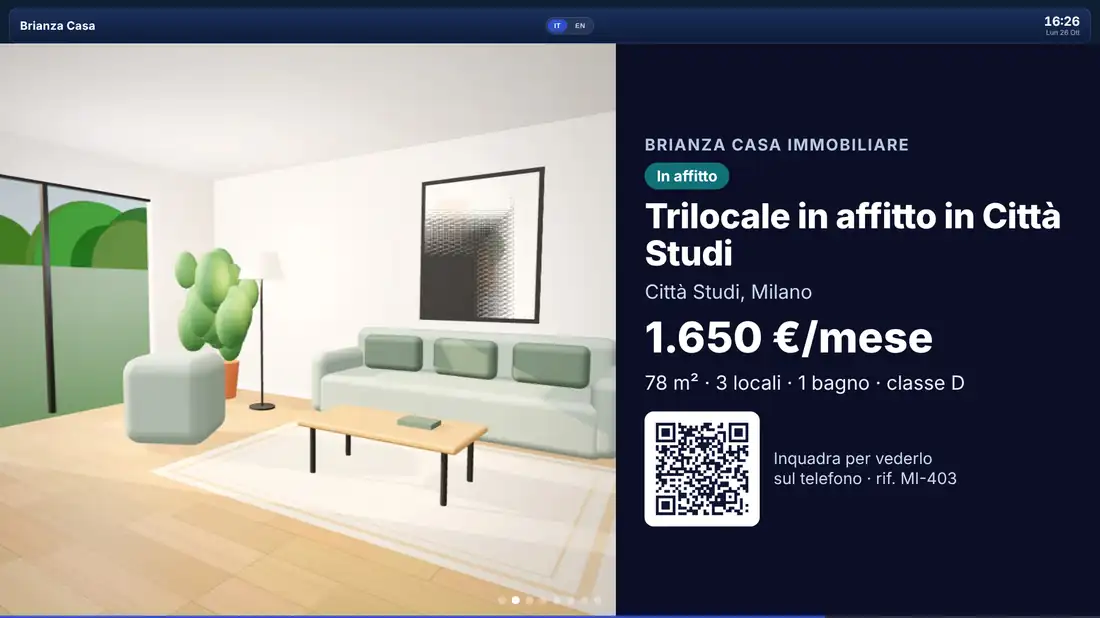
For estate agencies the Properties widget shows the portfolio from Casa Lead: photo, price, area and a QR code to open the property on a phone. The contact the client leaves reaches Casa Lead, assigned to the property’s agent.
Project status
The platform runs on Windows and Android kiosks. Write to us for a demo.